
Your channel keeps publishing while you keep creating
Connect a channel once. Every new video becomes short clips, scheduled and published on your platforms.
- Step 1
Monitors your channel
Autopilot watches the channel you connected.
New video found48:12Your YouTube channel
Source segment 1/3The one habit that changed everything - Step 2
Clips every new video
A new upload becomes ready-to-post vertical clips.
0:380:520:29 - Step 3
Schedules and posts
Clips land on the calendar and go out automatically.
MTWTFSSMTWTFSSPostedScheduled0/0
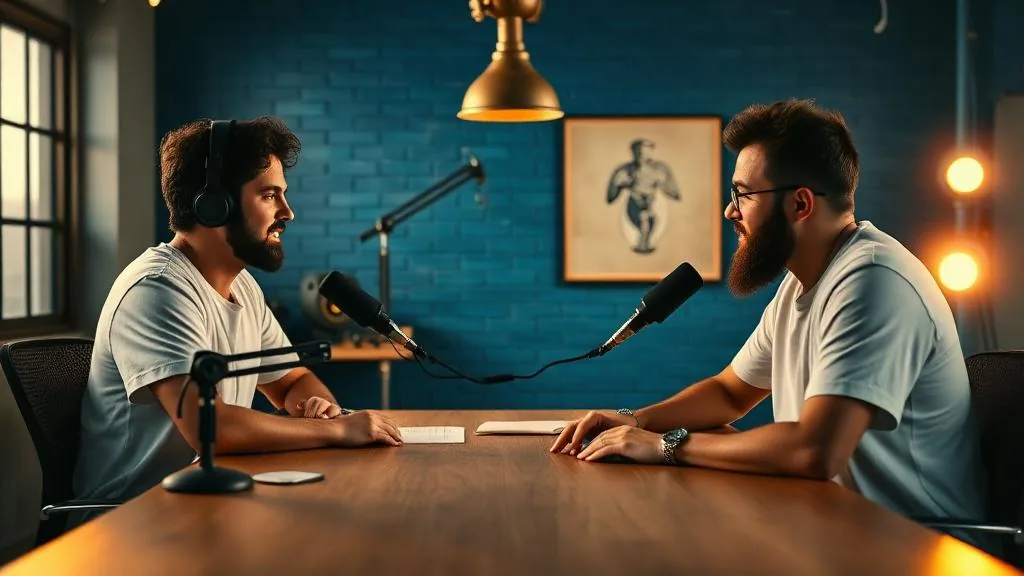
What Autopilot actually does between finding the video and posting it
- Highlight detection01 / 04
It watches the whole video first
Autopilot listens to everything and picks the moments that still make sense on their own.
- Vertical reframe02 / 04
Every cut is framed for vertical
The frame follows whoever is talking, ready for Shorts, Reels and TikTok. No manual cropping.
- Captions and cleanup03 / 04
Captions in, dead air out
Silences and filler are trimmed, and captions are burned in so the clip works with sound off.
- Scheduling04 / 04
The week fills itself
Clips go out on the days and platforms you chose. Reorder, hold or swap any of them.
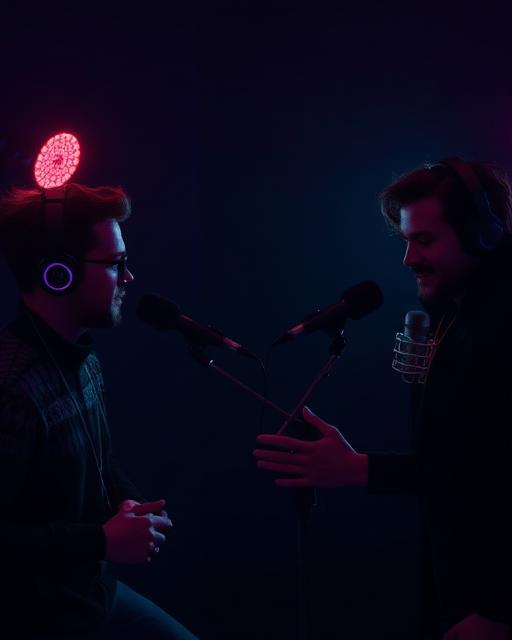


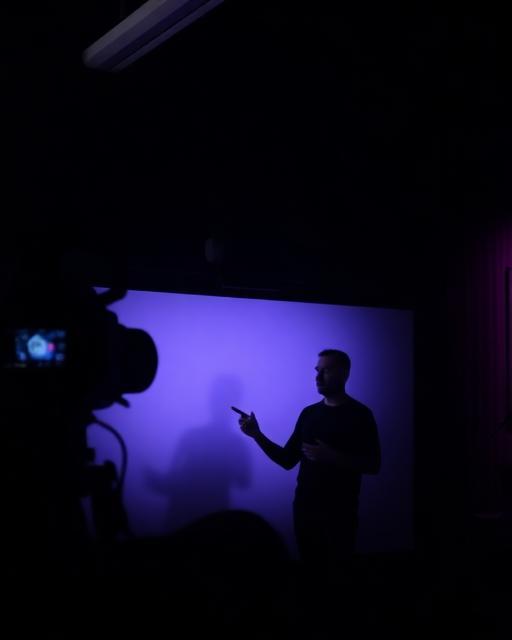

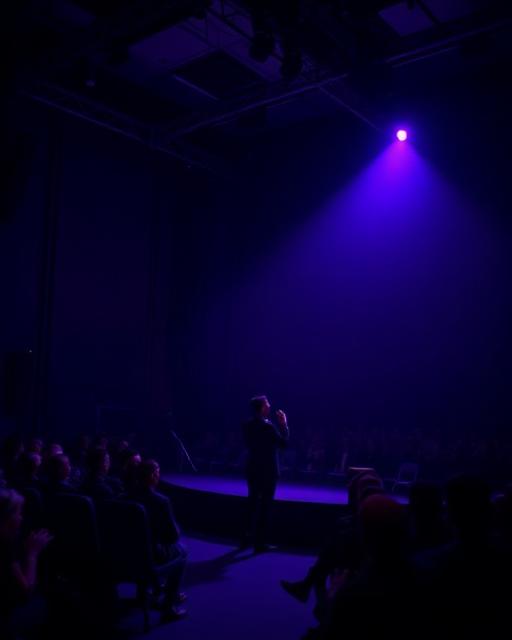





It adapts to your kind of video
Pacing, length and caption style change with your content, audience and segment.
Setting up takes 4 steps
Everything happens on one screen. Follow along and you will know exactly what to fill in before turning it on.
YouTube channel
Use only channels you have permission to clip and publish.
It works while you sleep
From overnight monitoring to a scheduled week of content.
A new upload is picked up
Autopilot watches the connected channel and starts reading the recording as soon as it goes live.
Live masterclass — full recording
Connected channel · uploaded 22:14
The clips are already cut
Each moment is reframed to vertical, cleaned up and captioned before you open the app.
Publishing runs on its own
Every clip takes a slot in the publishing queue, on the days and platforms you set once.
- Tue12
The part people replay twice
YouTube Shorts · 0:42
09:00 - Thu14
How to open without losing anyone
Instagram Reels · 0:35
12:30 - Sat16
The answer that closed the room
TikTok · 0:27
18:45
Questions before you start
Everything you need to know before turning Autopilot on.
Questions we didn't cover?
Talk to the team or start Autopilot and see the routine running in minutes.
Turn your next upload into a full week of content
Connect your channel, set your rules and let Autopilot cut, caption and publish while you focus on the next recording.
- Clips cut for you
- Scheduled automatically
- Runs every new upload
No credit card required · Cancel anytime