Editorial review
Wisecut creates and organizes clips. Your team reviews, adjusts and chooses what moves to distribution.
- Review
- Adjust
- Approve
AI LIVE CLIPPING
Wisecut combines your livestream's content with audience engagement signals to find the best moments and create clips for Shorts, Reels, and TikTok while you're still live. Review, publish, and turn one livestream into weeks of content.
Tell us about your operation so we can evaluate how Live Clipping can help.
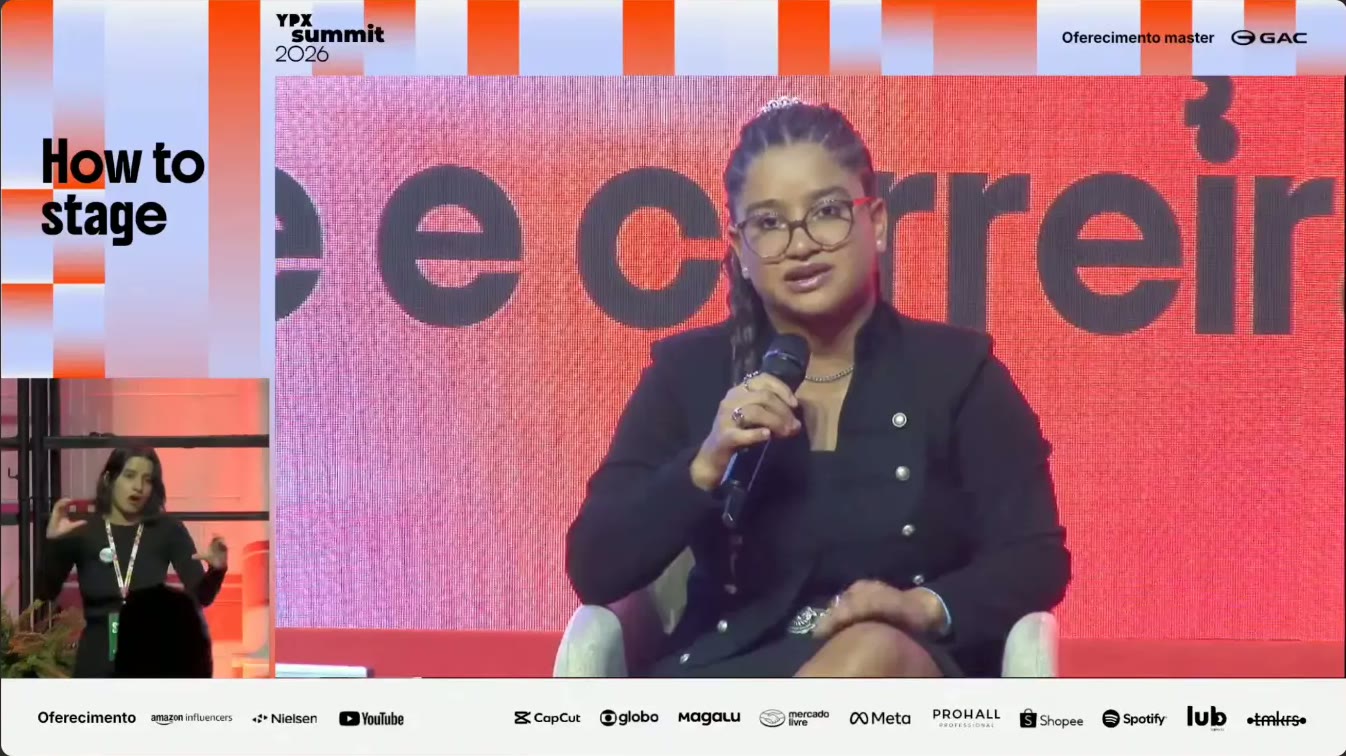
YOUPIX CASE · YPX SUMMIT
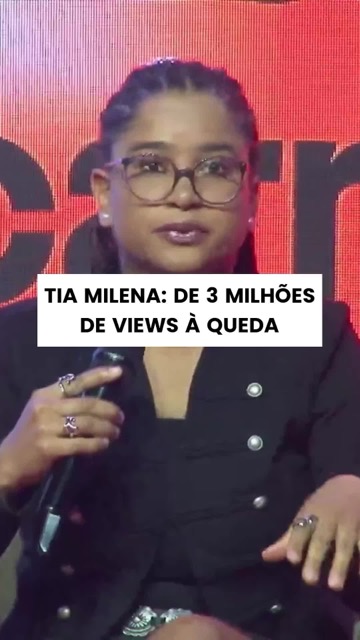
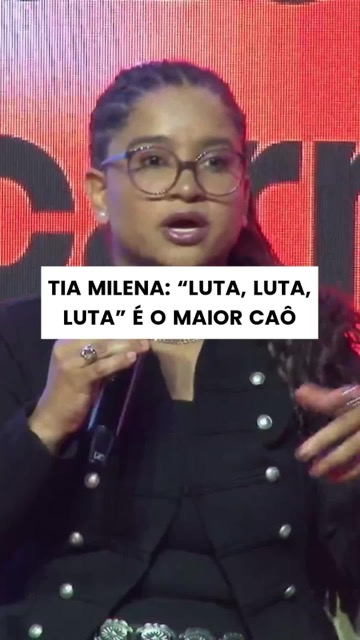
Wisecut followed two stages at the same time and organized the clips for the team to decide what to publish.
views in 8 days
H
of livestreaming
clips generated
videos published
HOW IT WORKS
Every action stays clear: generating a clip does not automatically export, schedule or publish it.
01
Use YouTube Live, RTMP or the stream source in your operation.
02
AI finds moments, reframes video, adds captions and applies your visual identity.
03
Your team chooses the clips, checks the result and decides what is ready.
04
Publish during the event or organize scheduling for after the livestream.
DEMONSTRATION
Selection combines content understanding with signals from the stream. The video is then reframed vertically and prepared for review.
A peak shows when the audience reacts more. Wisecut combines these signals with the livestream's content to identify potential clip moments, ready for review.
Audience engagement
Over the livestream
Peak 1
A standout quote coincides with a stronger audience reaction.
Peak 2
A surprise during the stream coincides with another engagement peak.
Peak 3
The audience reacts more strongly to a moment in the livestream.


EDITORIAL CONTROL AND CONTINUITY
Start with editorial review and move to a configured routine when it makes sense for your operation.
Wisecut creates and organizes clips. Your team reviews, adjusts and chooses what moves to distribution.
Autopilot runs a recurring routine defined by your team. Scheduling remains organized in Social Hub.
Approved clips can be published during the event or organized to continue distribution afterward.
Day 1
Live
Day 2
Short
Day 4
Reel
Day 7
TikTok
APPLICATIONS
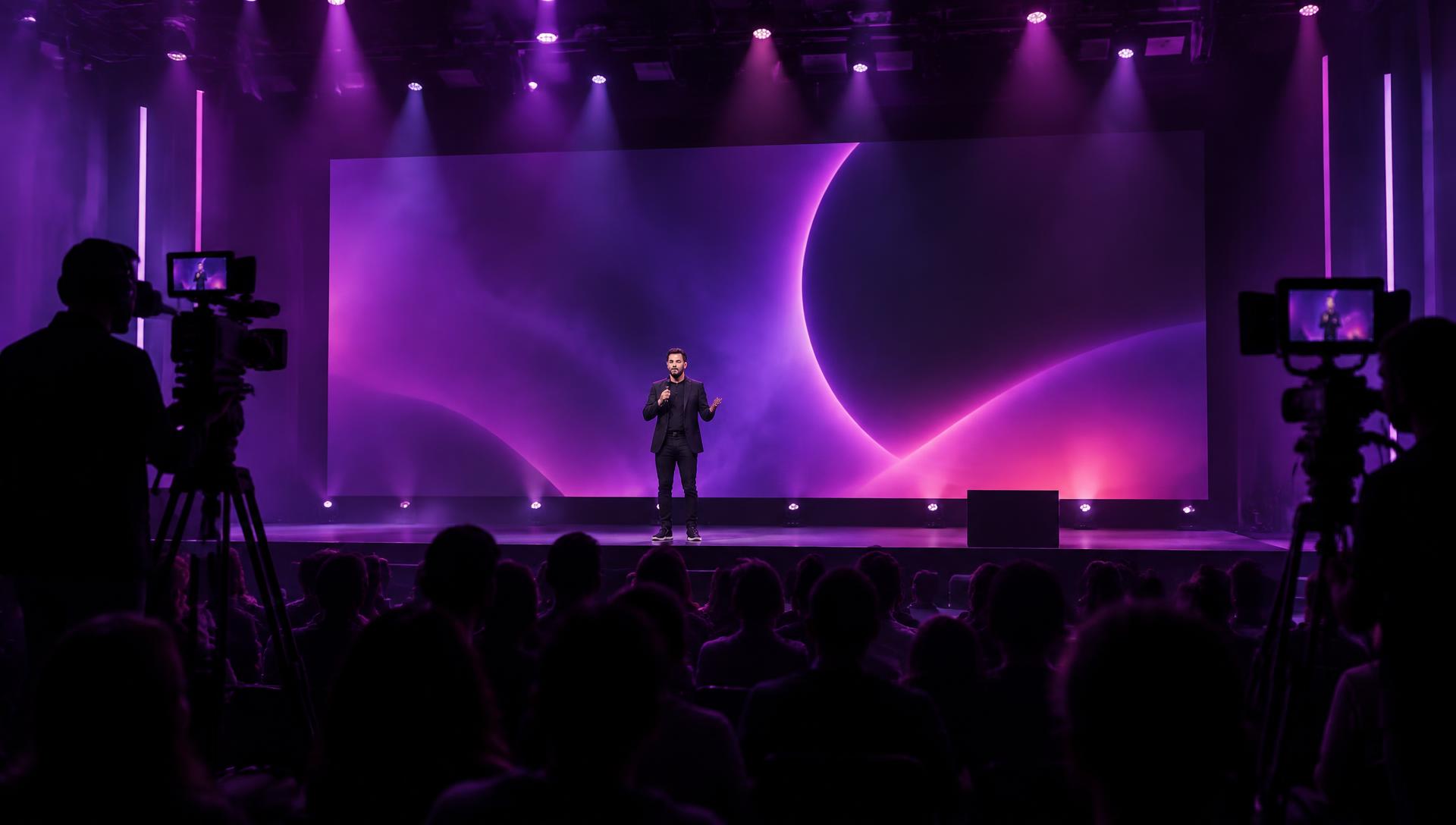
Turn talks and panels into content while the event is happening.
Debates, pre-game, post-game and big moments published while they're still news.
Turn episodes and streams into social-ready clips.
Breaking news, interviews and analysis distributed while the topic is hot.
Turn services and long sermons into daily content.
Turn classes, webinars and workshops into a library of insights.
Turn demos, questions and sales moments into shareable content.
Organize the best moments from a long stream into content for social.
FREQUENTLY ASKED QUESTIONS
Tell us about your operation so we can evaluate how Live Clipping can help.
Request access