
Yourclipsareready. Planwhatgoeslivenext.
Send your clips to the accounts you connected and pick a day and time on the calendar. Your upcoming posts stay organized without leaving Wisecut.
How it works
From a finished clip to a date on the calendar
The recording above follows these four steps, in this order.
Calendar
See the week, then fill in the gaps
Each image is a frame from the recording. Open days are marked as open, and the date picker shows its time zone before you save.
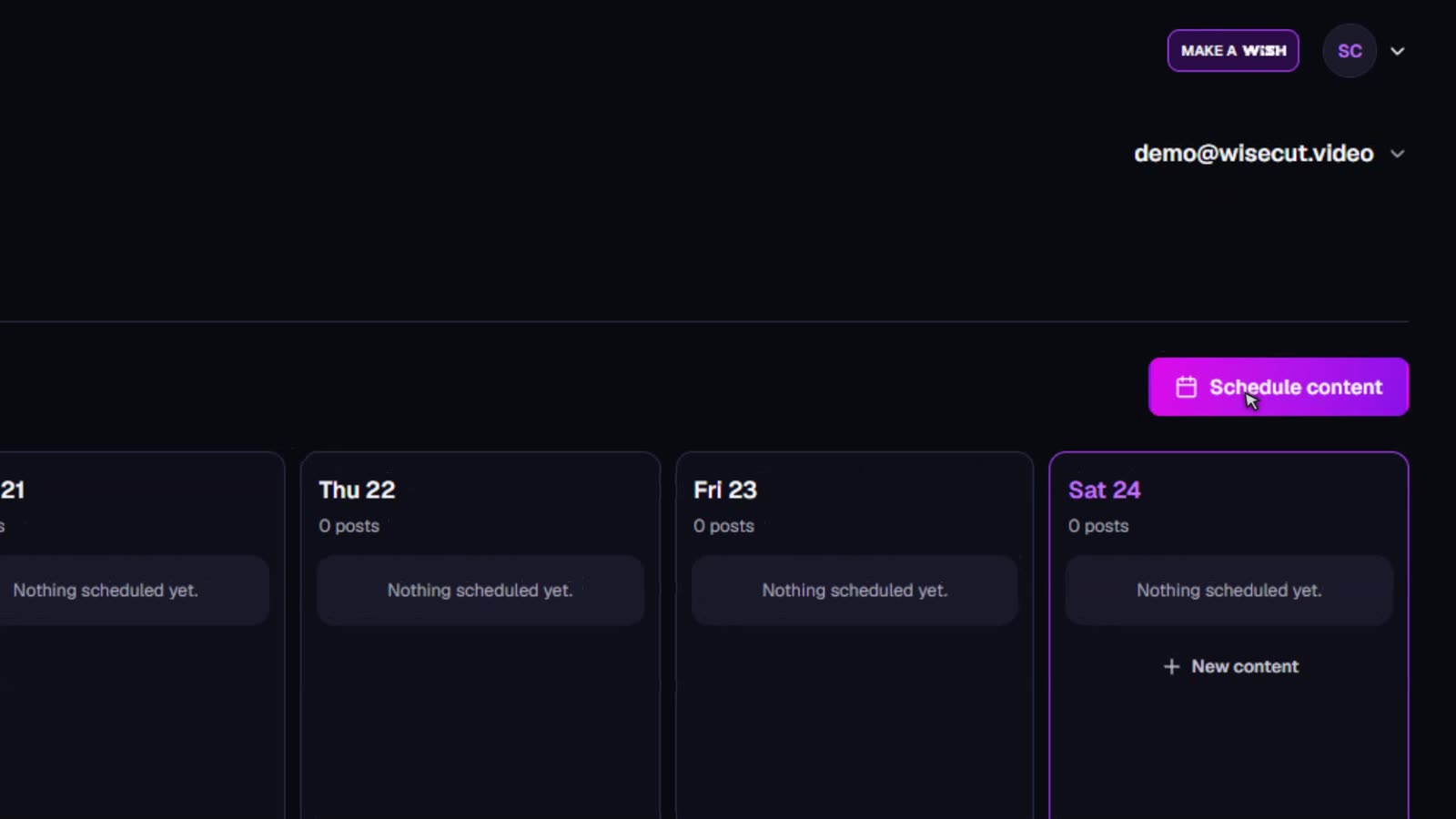
01Organize your posts.
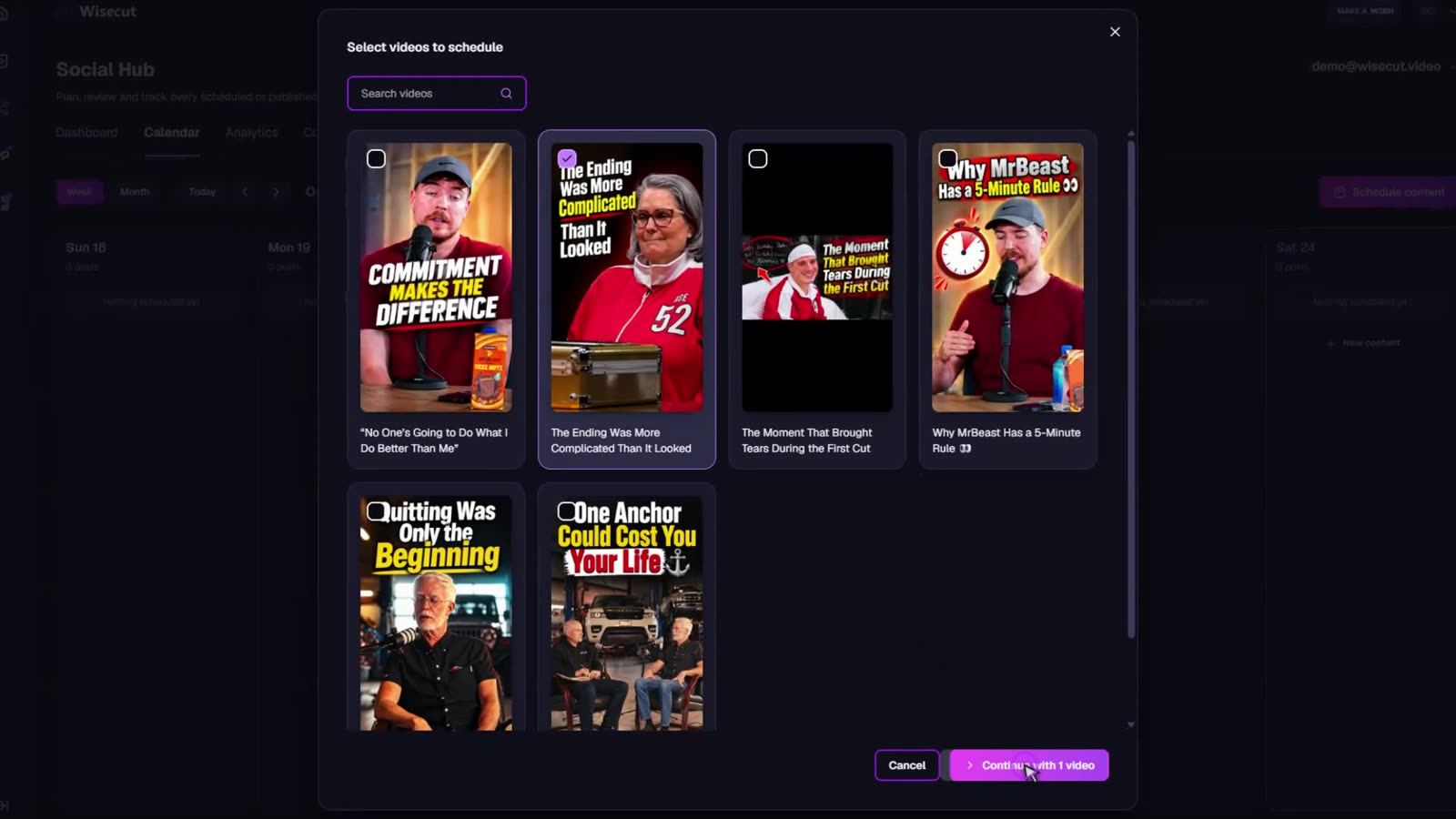
02Pick the clips you want to post.
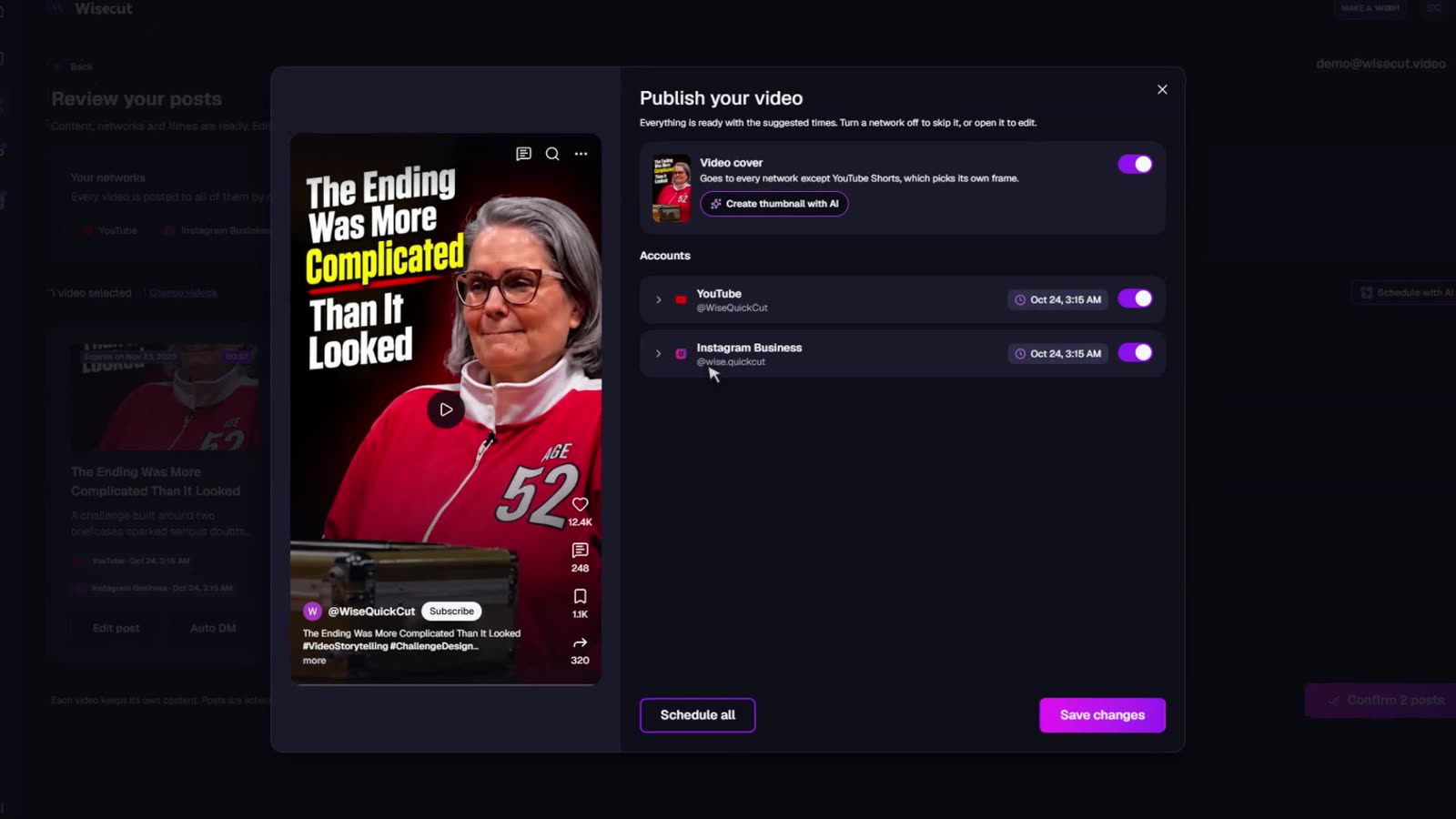
03Customize and choose your networks.
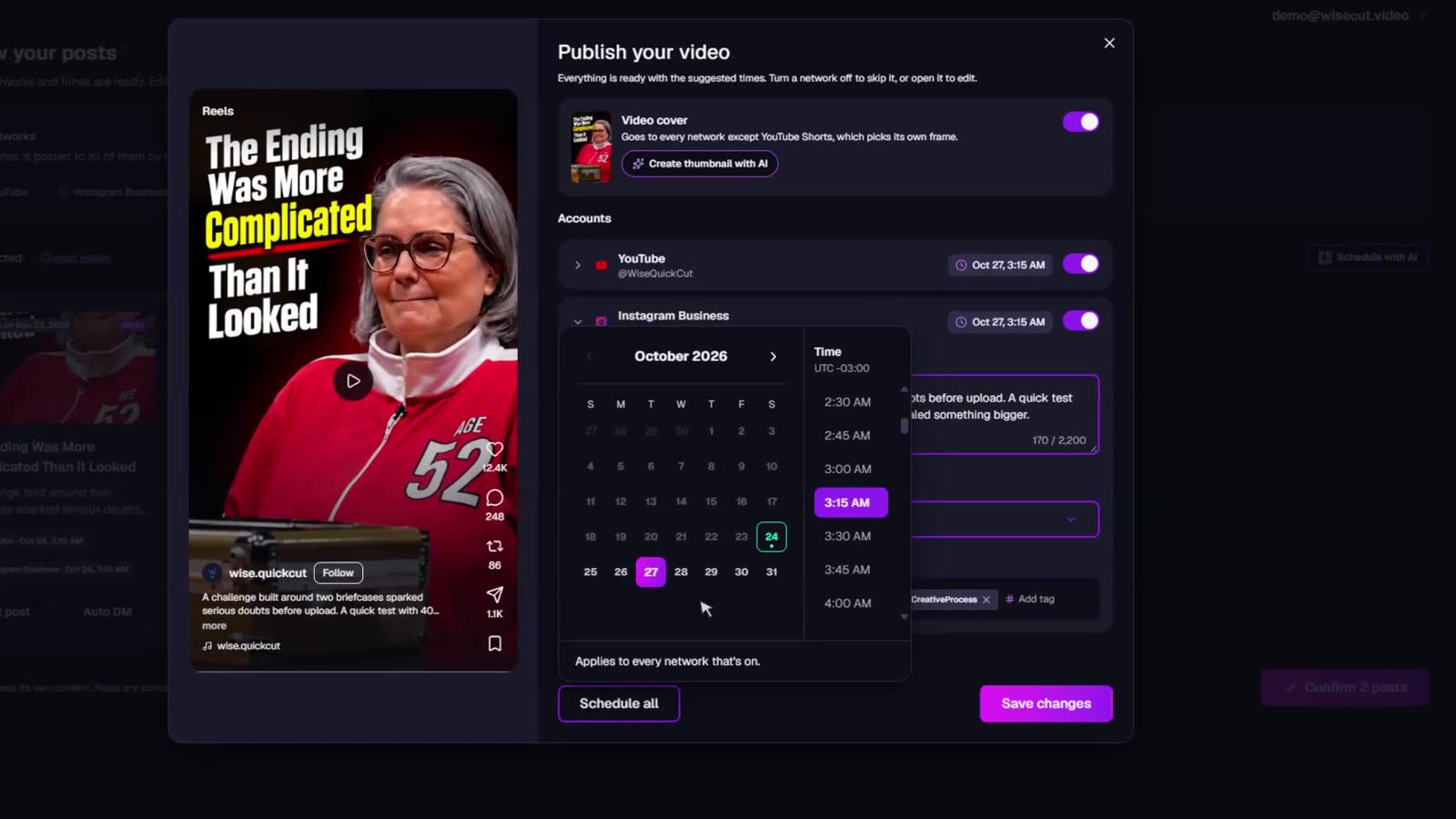
04Set when it goes live.
Analytics
Track how your posts perform.
See your reach and engagement metrics and follow how your content is doing, all in one place.
- Views
- 248K
- +18%
- Engagement rate
- 5.2%
- New followers
- +1.3K
- +9%
- Published by Wisecut
- 42
Performance trends
TikTokYouTube
ViewsLikesCommentsShares
Oct 1Oct 8Oct 15Oct 22Oct 29
Wisecut MCP
Your content, on command.
Plan content, review results, prepare posts and find new opportunities for your videos. All by talking to Wisecut, right from your favorite AI.
Meet Wisecut MCPWisecut
- Which posts got the most engagement this week?
- Put together a content calendar for the next 14 days.
- Find videos that could turn into new clips.
- Help me write titles and captions for my next posts.
Ask Wisecut
Questions
Does Social Hub create the clips?
No. Clips are made first in Wisecut, and that step needs processing time that depends on the video. Social Hub starts once the clips are finished.
Can each account have a different date?
Yes. Every connected account has its own date and time, and you can also apply one date to all accounts that are on.
Can I skip an account for one clip?
Yes. Turn that account off in the post window and the clip won't go there.
Will the post appear on the network the moment it's sent?
Not necessarily. Each network processes posts on its own, so it can take a little while to show up.
Your next post is one date away
Open Social Hub, pick a finished clip and put it on the calendar.
Open Social Hub